Page 1 of 1
Getting started
Posted: Sat Nov 15, 2008 2:15 pm
by Rattler-1985
Hails all. I have MW2 and MW2 Mercs. My PC has MS WinXP as its OS, dual core amd 64 X2 3800+, 2 Ghz RAM and an NVIDIA 7600GS.
How do I get MW2 going and what do I need to Download?
Re: Getting started
Posted: Sat Nov 15, 2008 2:36 pm
by Skyfaller
MMPD has various FAQ's to help you do that, but if you want an automated installer, try MechvM:
instructions
If it doesn't work, please leave me a note. I'll take a look.
Re: Getting started
Posted: Sat Nov 15, 2008 4:31 pm
by Rattler-1985
THere are 2 mechvm.
mechvm win32-2008 source code
and
mechvm 11-2008 executable
which one do I use, I DLed both.
Re: Getting started
Posted: Sat Nov 15, 2008 8:22 pm
by Sir MMPD Radick
executable.
Re: Getting started
Posted: Sun Nov 16, 2008 8:48 am
by Rattler-1985
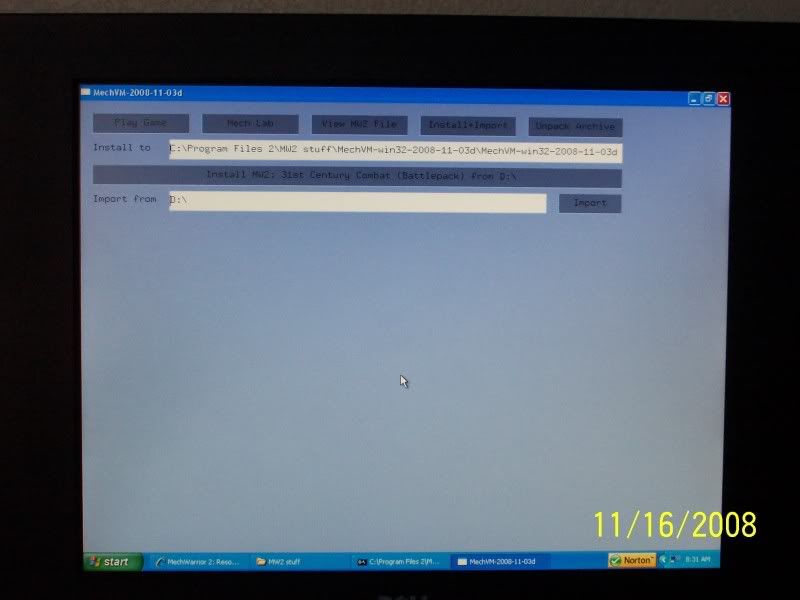
For the install I am confused. I open MECHVM and there are a couple options on the top; PLAY GAME, MECHLAB, VIEW MW2 FILE, INSTALL AND IMPORT, UNPACK ARCHIVE. Also a DOS like window comes up.
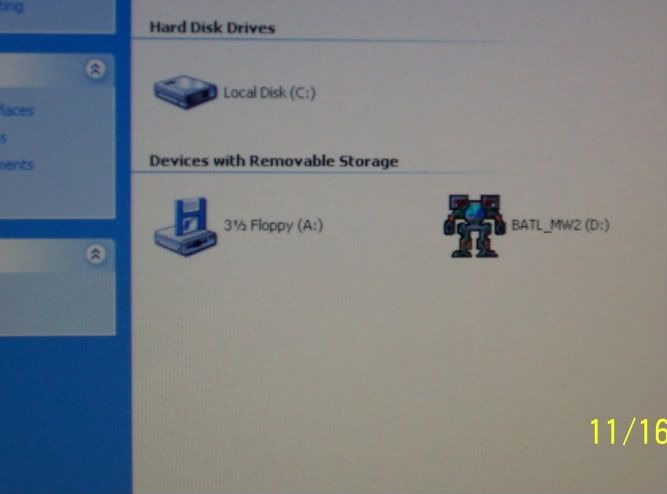
Also the disc is named BATL_MW2
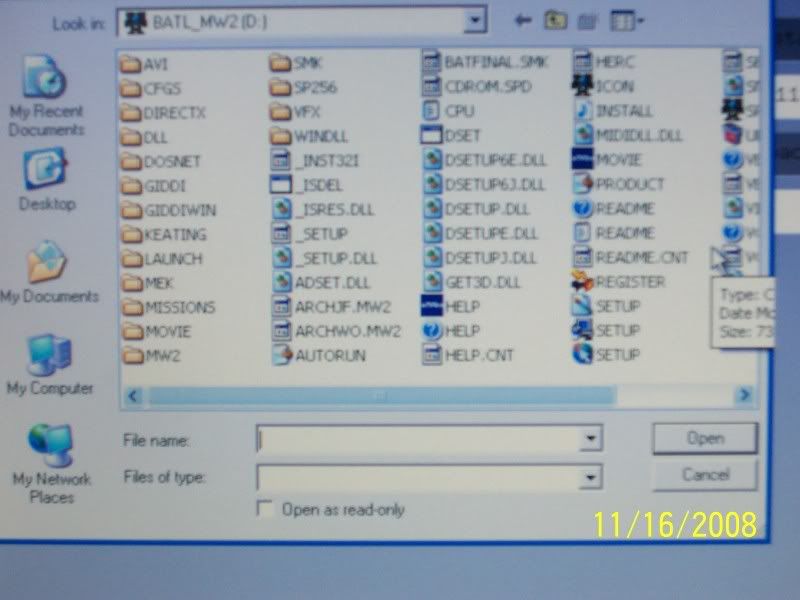
I ran the setup from the MW2 disc and it did not finish. I tried to import the disc contents and it did not work. Could you tell me how to do this, step by step?
I am not sure which files to import. And the MECHVM does not want to import the entire CD. Whenever I try to import the setup file the little dos like box says that it could not import file.
I took some pics
Re: Getting started
Posted: Sun Nov 16, 2008 9:31 am
by Skyfaller
It's easier to take screenshots by pressing ALT-PRINT, then open Paint and pressing CTRL-V.
The install button is the correct one to press. MechVM does not have a progress indicator for installing yet. Watch the console window for information after CD accesses stop. After some time, it should report that a number of mechs have been imported. You don't need this, but MechVM will do this anyway.
Please just try to start MW2Win.exe in the folder where you installed. If it works, create desktop or start menu links manually.
Re: Getting started
Posted: Fri Jan 02, 2009 11:15 am
by Rattler-1985
Do I need to install to the MECHVM file or to the file I want to use for MW2 which in my case would be C:\Program Files 2\MW2?
I have the location of where I want the program installed to in the INSTALL TO line, but do I just leave the IMPORT FROM box as D:\?
I tried D:\BATL_MW2\SETUP.EXE and pressed import and it said 0 mechs imported.
When I tried IMPORT FROM:D:\BATL_MW2 it said it could not import from unknown CD.
Re: Getting started
Posted: Fri Jan 02, 2009 11:34 am
by Sir MMPD Radick
If you are trying to install the game you need to open mechvm then first insert the disc then hit install+import.
It should give you a dir to install to. Change it if you do not like the directory.
Afterward click import and it should install.
As for the lack of announcement that it is installed and there is 0 mechs imported check the dir it installed to... if you waited till you saw that on mechvm(not the console) it should be there.
After which you need to setup slug's hook.